
BK8 Mobile App Review and Download Guide for Players in Malaysia
The BK8 app delivers a casino and sportsbook experience built for Malaysian bettors, with the interface available in English, Bahasa Melayu, and Simplified Chinese. Our tests confirmed the BK8 apk installs without regional restrictions in Malaysia, with DuitNow, Touch’n Go, GrabPay, and FPX integrated for local payments. The application hosts football, basketball, and esports markets alongside hundreds of slot and live casino titles.
New casino players can claim 288% up to MYR 2,880 on a minimum deposit of MYR 30. Sportsbook bettors qualify for 150% up to MYR 300 with a minimum deposit of MYR 50.
288% Welcome Bonus
Up to MYR 2,880
Technical Specifications and Compatibility of the BK8 App
During our testing, we catalogued the core technical specifications of the official BK8 app across Android and iOS builds. The table below summarizes the findings relevant to players in Malaysia.
| Specification | Details |
|---|---|
| Year of Development | 2018 |
| Developer | Mettlemind Tech Ltd. |
| Package Name | com.bk8.app |
| License | ALSI-202504032-FI2, Government of the Autonomous Island of Anjouan |
| APK File Size | 52 MB |
| Supported OS | Android 4.1 and higher, iOS 12.0 and higher |
| Price | Free |
| Category | Casino and Sportsbook |
| Regional Availability | Malaysia, Thailand, Vietnam, Indonesia, India, Cambodia |
| Supported Languages | English, Bahasa Melayu, Chinese (Simplified) |
| Supported Currencies | MYR, THB, VND, IDR, INR, USD, USDT |
| Availability in Malaysia | Accessible via direct apk download and mobile browser access |
Our Honest Assessment of BK8 App Pros and Cons
Our team identified several advantages and a handful of limitations while testing the BK8 mobile app.
Despite these limitations, the app remains a highly convenient choice for casino and sportsbook players in Malaysia.
Pros
- Fast apk installation on most Android models;
- DuitNow and Touch’n Go integrated for local deposits;
- Live casino streams load with minimal buffering;
- Sportsbook covers over 15 disciplines with live odds;
- Multi-language interface supports English, Bahasa Melayu and Simplified Chinese.
Cons
- No official listing on the Apple App Store;
- Manual security setting required before apk install;
- Older Android devices show occasional lag;
- First withdrawal often requires manual document verification;
- Push notifications cannot be customized in granular detail.
BK8 App Design and Layout Overview
The interface uses a dark navy and gold color palette with high contrast icons, matching the branding seen across BK8’s desktop platform. Navigation follows a bottom tab structure, placing Sports, Casino, Promotions, and Account sections within one tap, an arrangement our reviewers found easy to navigate using a single hand.
Our Experience with the BK8 App for Android
Our testing of the BK8 android app confirmed it is free to download and shows strong optimization across a range of Android hardware. Load times for the casino lobby averaged under three seconds on mid tier devices during our sessions.
BK8 Android App Minimum System Requirements
The BK8 apk android download performs best on devices meeting the specifications below.
| Requirement | Minimum Specification |
|---|---|
| Android Version | 4.1 or higher |
| RAM | 1 GB |
| Free Storage | 50 MB |
| Processor | 1.2 GHz dual-core |
Compatible Android Devices and Tested Models
Based on our tests, the BK8 android app runs without disruption on the following models common among users in Malaysia:
- Samsung Galaxy A54 and A35;
- Xiaomi Redmi Note 13;
- OPPO Reno 11;
- Vivo V29;
- Realme 12 Pro;
- Samsung Galaxy S23.
Devices with 2 GB RAM or higher deliver the fastest loading times for live casino streams in our observations.
How to Safely Update the BK8 Android App
Regular updates patch security vulnerabilities and add stability fixes, a factor that affects both transaction safety and app performance. Older versions left unattended for several months can become incompatible with new payment integrations.
- Check this page for new releases. Visit this site regularly to confirm whether the latest version of the BK8 apk has been published.
- Download the latest APK file. Tap the update button below to retrieve the current build directly.
- Install over the existing version. Run the downloaded file and select install without uninstalling the previous version, which preserves saved login credentials.
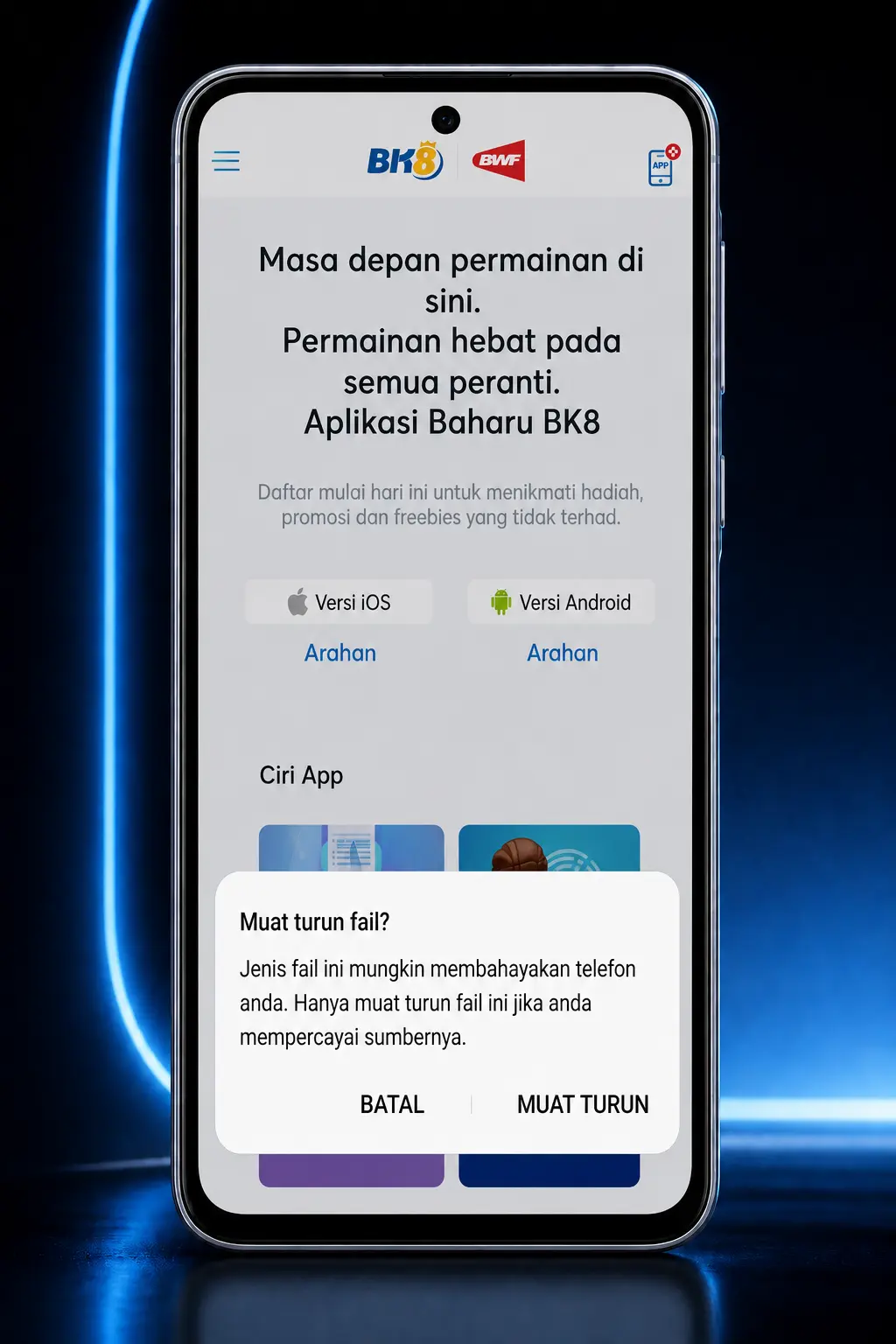
Step by Step Guide to Download and Install the BK8 Android APK
Our installation tests confirmed the option to download BK8 app for android devices directly from this page, compatible with most models released after 2018.
Tap the download button below.
This action starts the apk transfer to device storage.
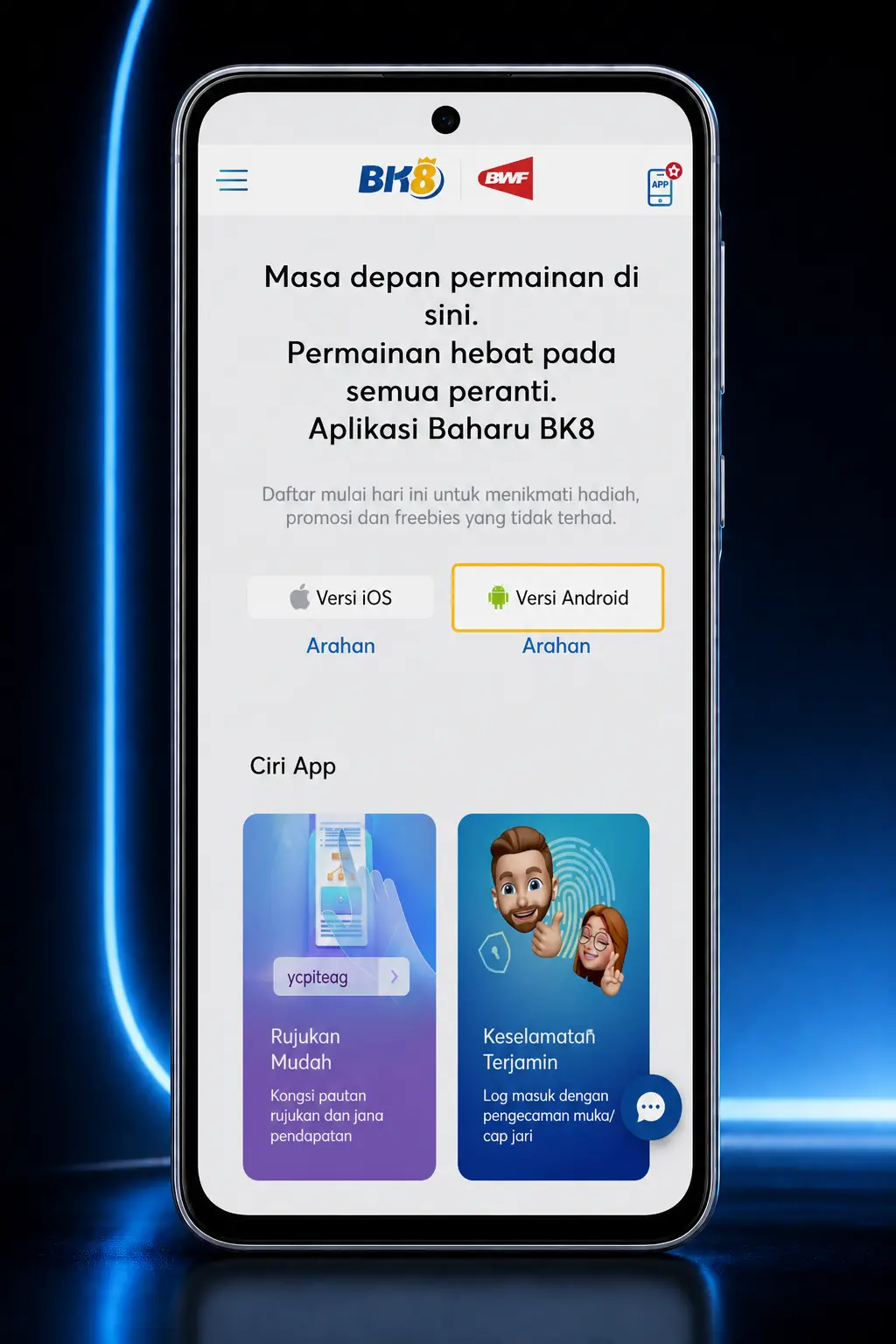
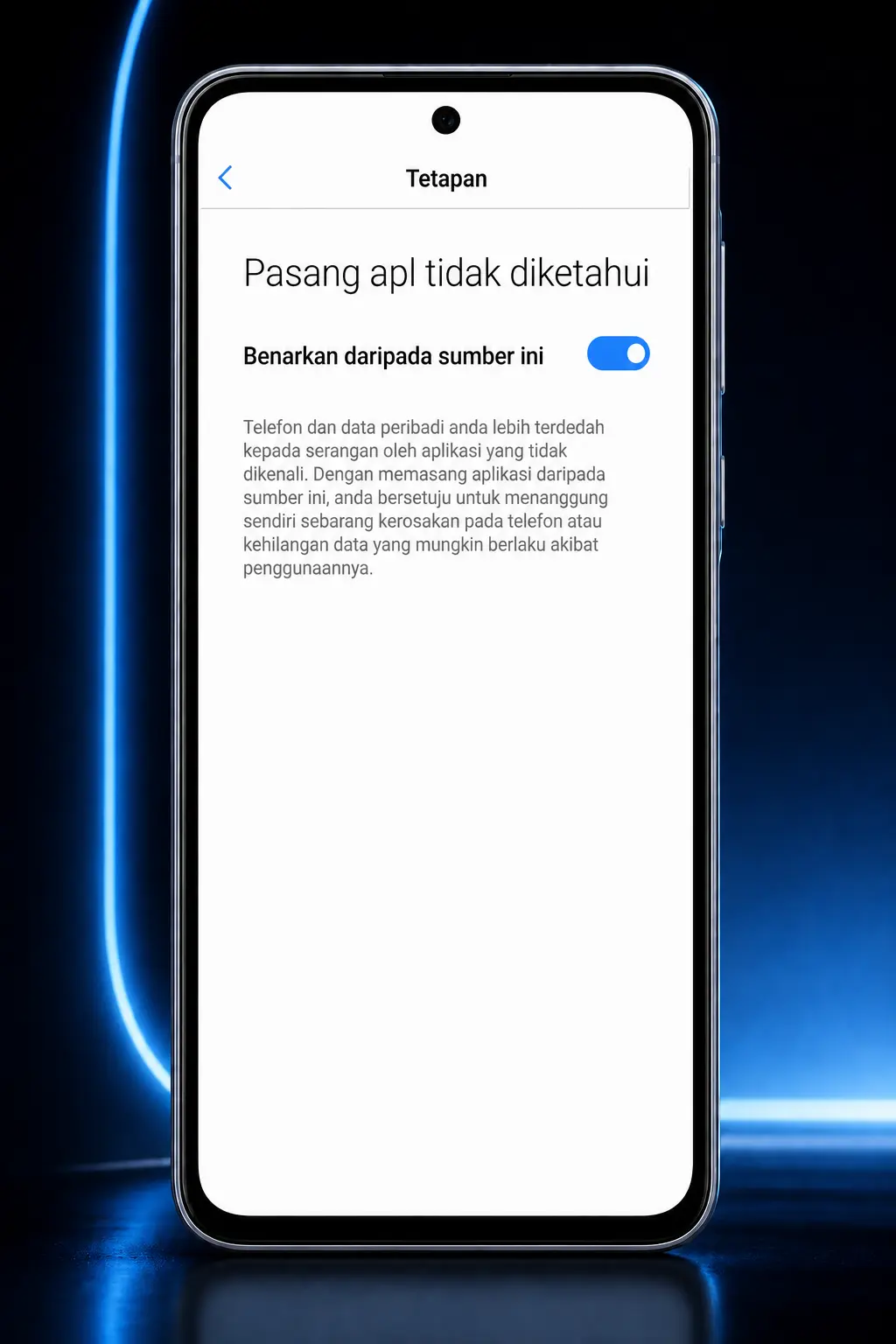
Enable Unknown Sources in settings.
Navigate to Settings, then Security, and toggle permission for installs outside the Google Play Store.
Locate the downloaded file.
Open the file manager and find the BK8 apk inside the Downloads folder.
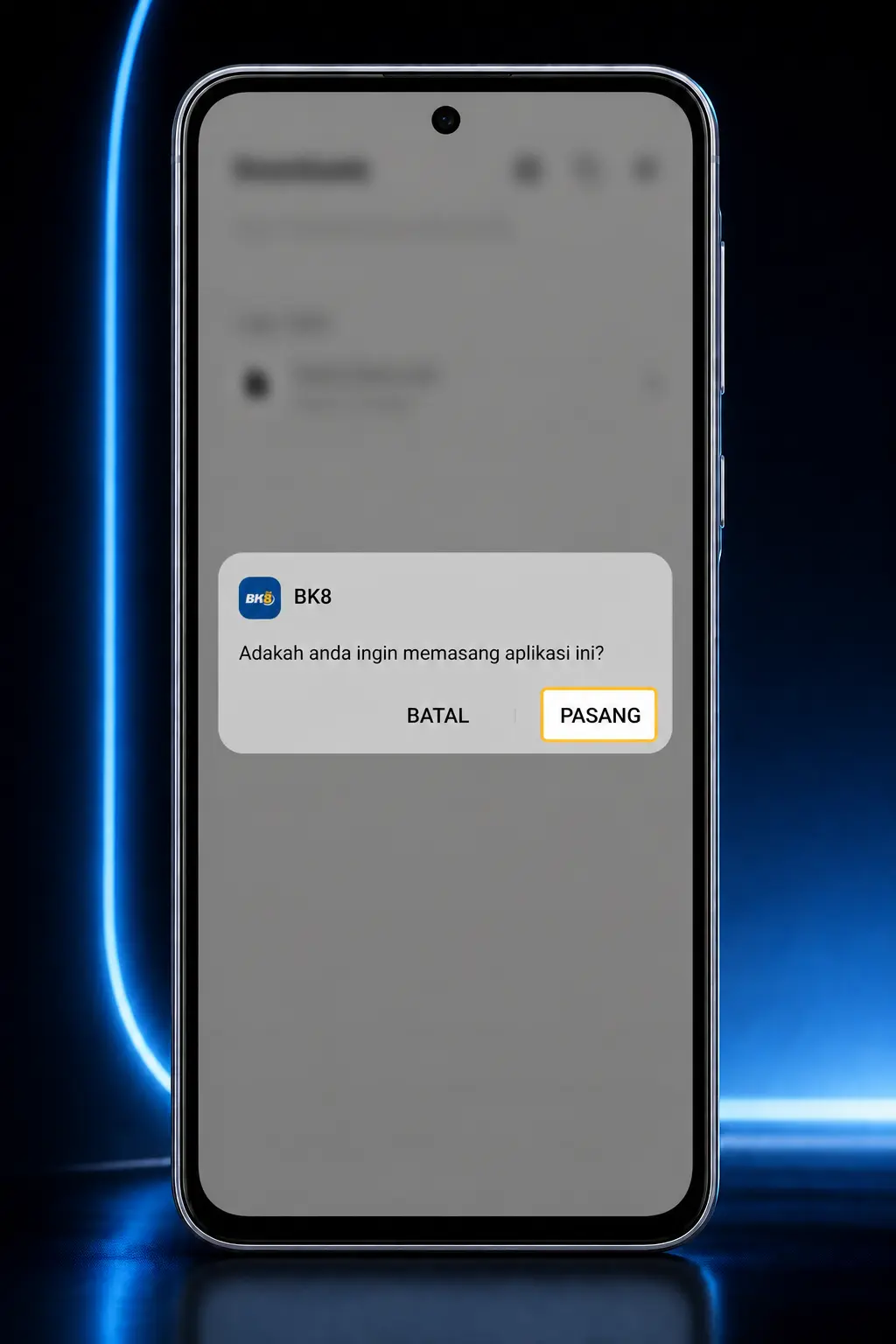
Run the installer.
Tap the file and accept the permissions requested during setup.
Launch the app.
Open BK8 from the home screen and log in with an existing account, or register a new one.
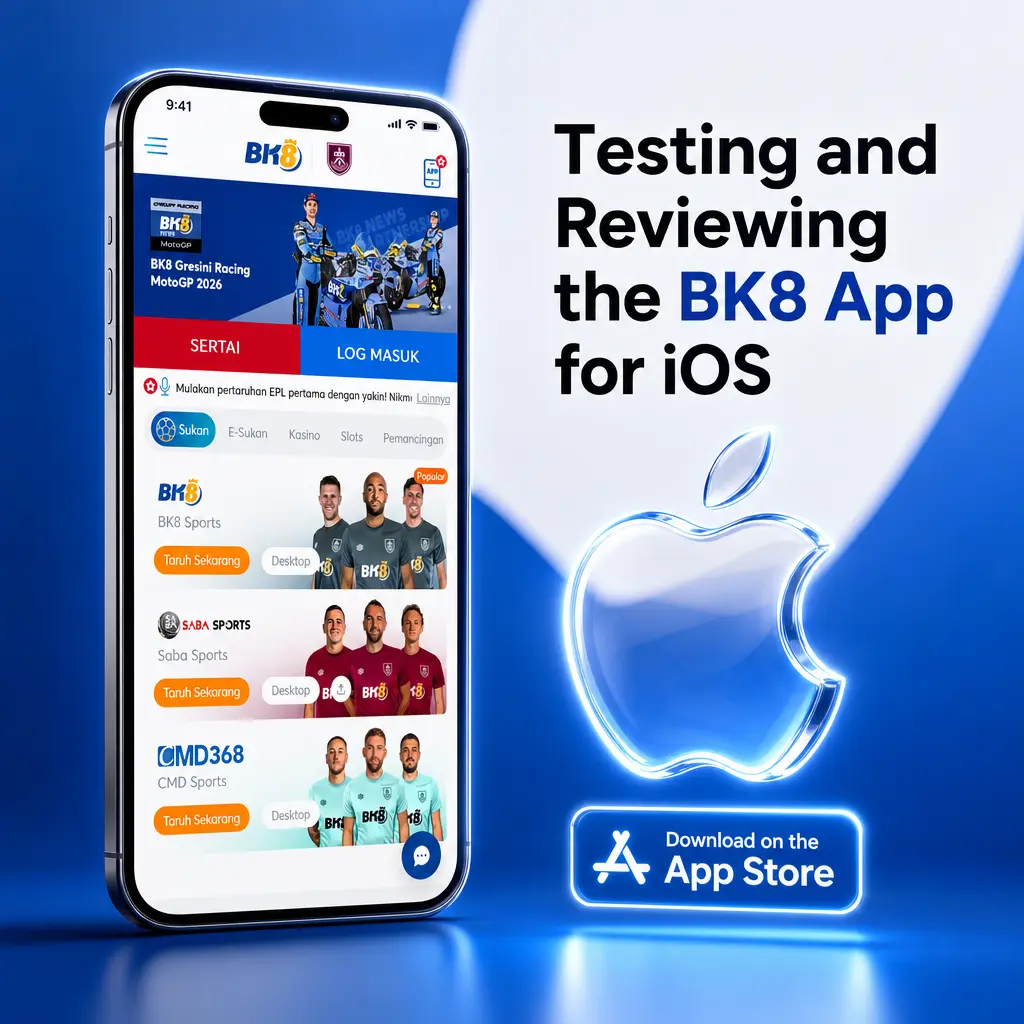
Testing and Reviewing the BK8 App for iOS
Our evaluation of the BK8 ios build found consistent performance across recent iPhone and iPad models, with the app available at no cost. Screen transitions between the sportsbook and casino sections responded within a second during our tests on an iPhone 13.
BK8 iOS App System Requirements and Performance
The table below outlines the baseline specifications our team verified for stable performance on Apple hardware.
| Requirement | Minimum Specification |
|---|---|
| iOS Version | 12.0 or higher |
| RAM | 1 GB |
| Free Storage | 100 MB |
| Device Compatibility | iPhone 6S or newer |
Tested iOS Devices and iPad Compatibility
The BK8 app for iphone runs on most modern Apple devices based on our testing, including the following models popular among users in Malaysia:
- iPhone 13 and iPhone 14;
- iPhone 15 Pro;
- iPhone SE (2022);
- iPad 9th generation;
- iPad Air (5th generation).
Older devices such as the iPhone 6S functioned during our checks, though load times for live dealer tables were noticeably slower.
How to Keep the BK8 iOS App Updated
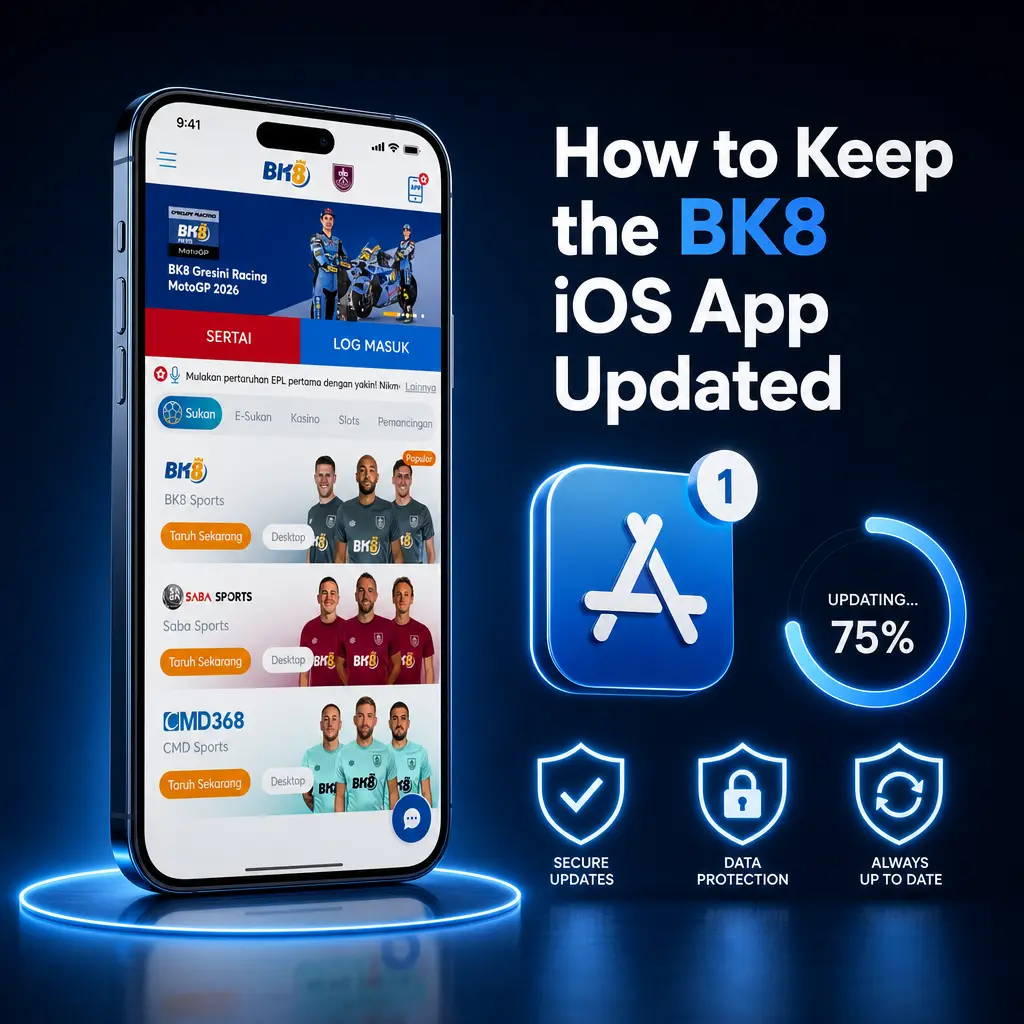
Apple’s security framework depends on developers pushing patches, so an outdated BK8 ios build can miss encryption updates tied to payment processing. Our recommendation is to check for new versions on a monthly basis at minimum.
- Open the download page on this site. Return to this page to confirm the latest published version number.
- Compare version numbers. Check the version listed against the one currently installed on the device.
- Tap the update button below. The update link retrieves the newest build for installation.
- Reinstall and log in. Complete the setup and sign back into the existing BK8 account.
Easy Installation Steps for BK8 App on iOS
Our tests showed the iOS installation process completes in under two minutes for most Apple users, without requiring an App Store search.
Open this page on Safari.
Apple’s browser handles the installation profile correctly, unlike some third party browsers.
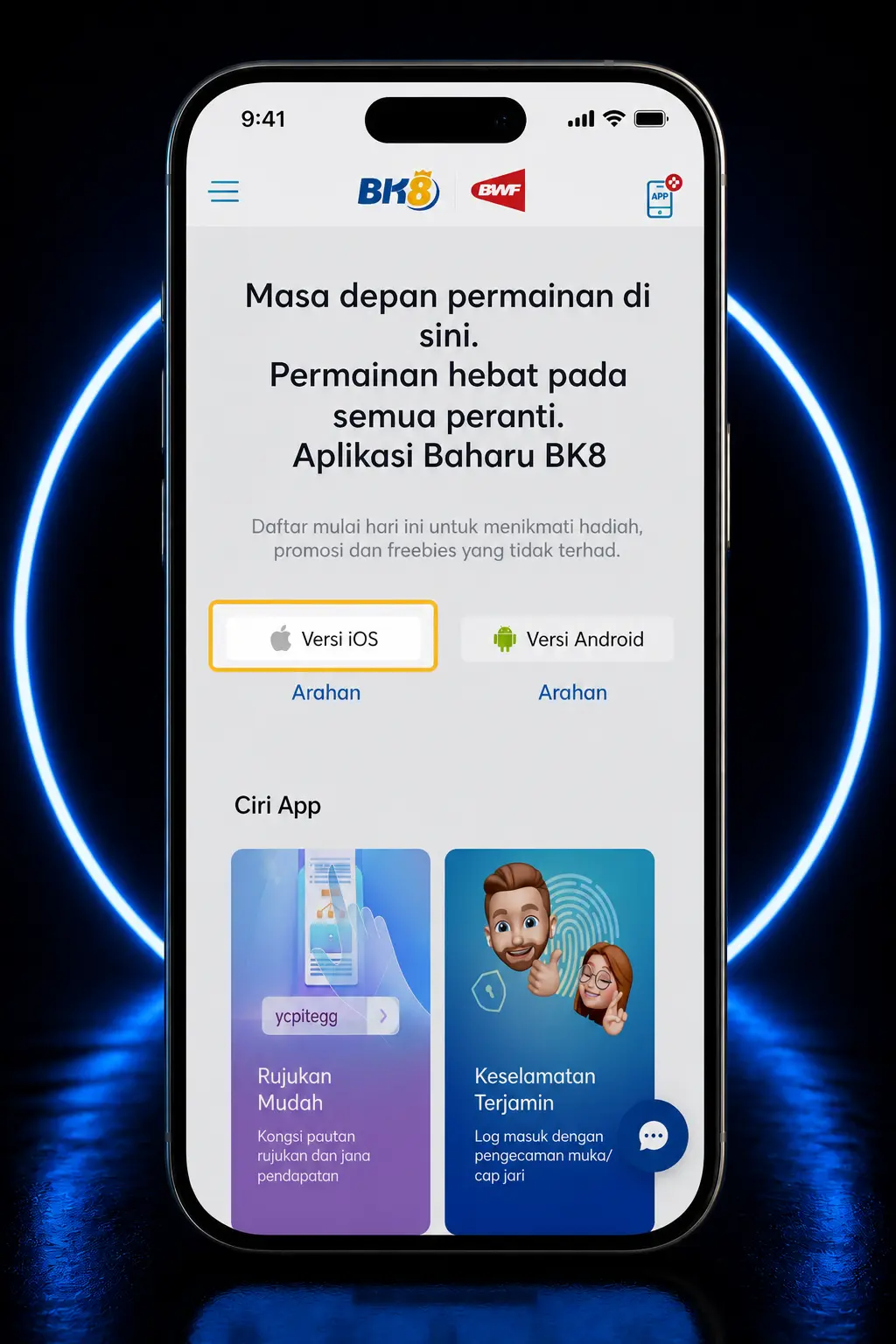
Tap the download button below.
This retrieves the iOS installation file or configuration profile needed to add the BK8 icon to the home screen.
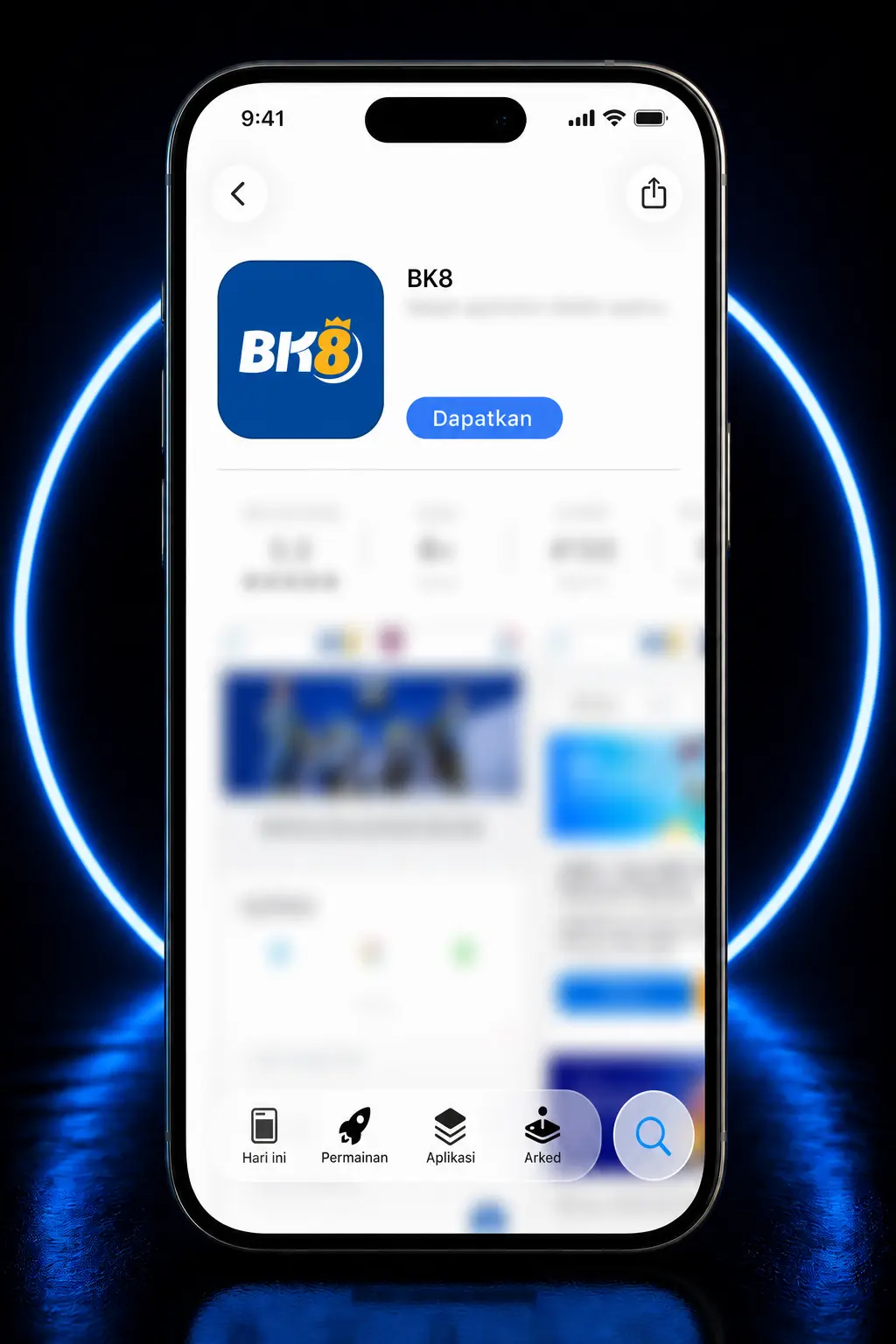
Confirm the installation profile.
Accept the prompt in Settings under General, then Profiles, to trust the BK8 developer certificate.
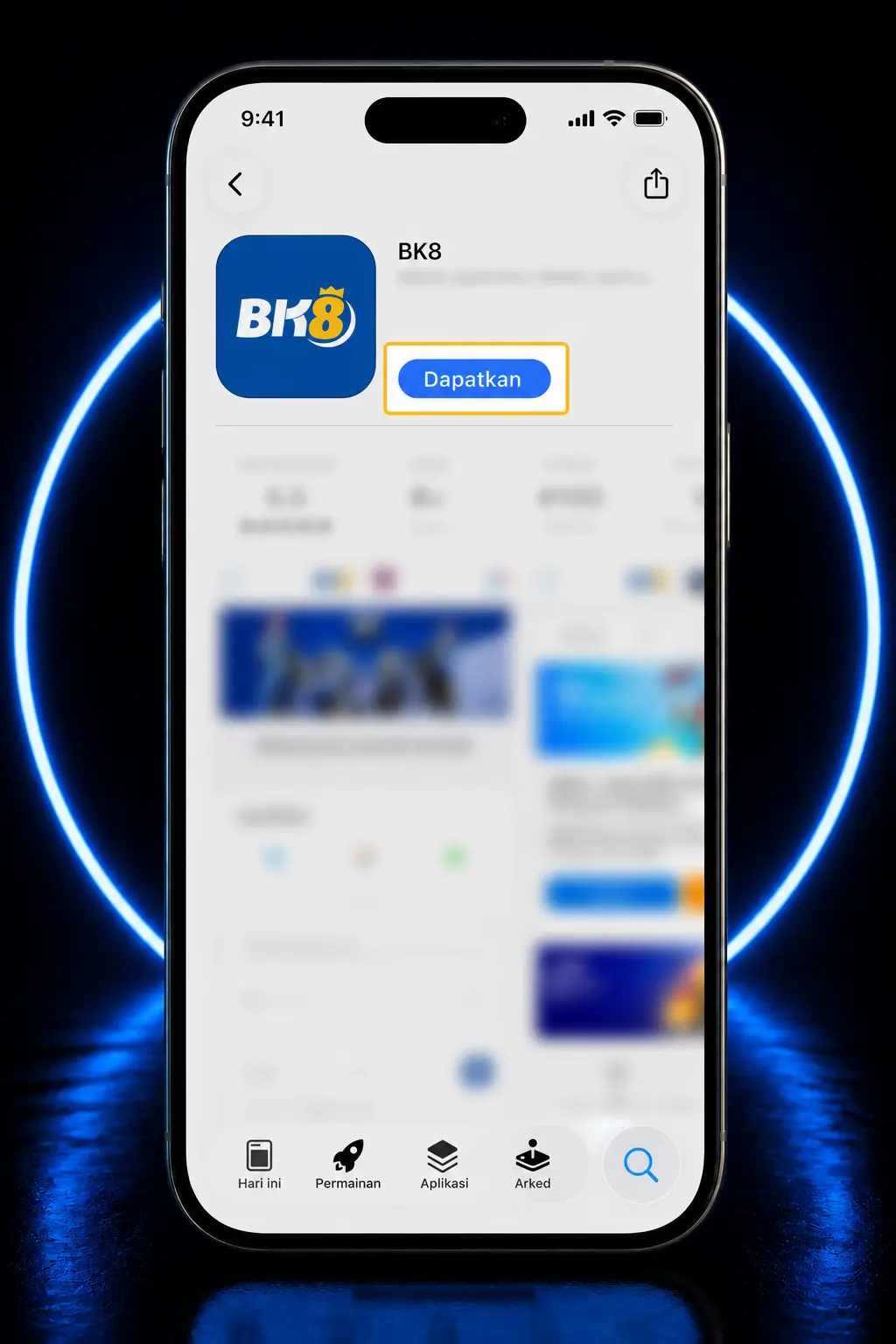
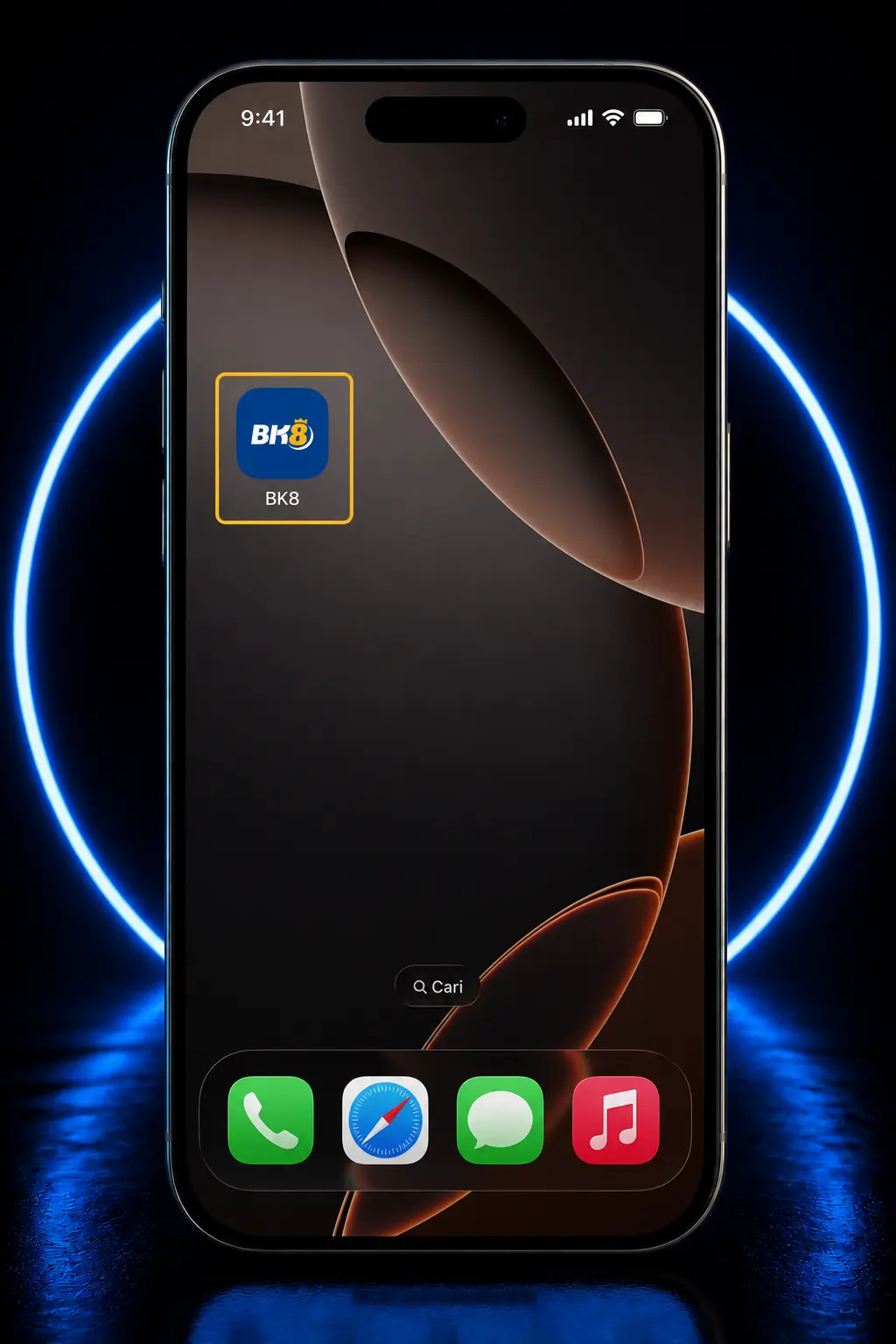
Launch the app icon.
Open BK8 directly from the home screen once installation completes.
Log in to an existing account.
Enter registered credentials or create a new account to begin play.
Reviewer Guide on How to Install the BK8 APK
The BK8 app download proved straightforward across the Android devices used in our testing, with the entire process completing in under five minutes on a standard 4G connection. No technical background is required beyond adjusting one security setting.
- Open the browser on the device. Chrome or Samsung Internet both handled the download without errors during our tests.
- Visit the download section of this page. Locate the BK8 apk download button positioned near the top of this review.
- Allow installs from unknown sources. Adjust this permission once in device settings before the file can install.
- Run the saved apk file. Access it through notifications or the file manager to start setup.
- Grant the requested permissions. Approve storage and network access to allow full functionality.
- Open the app from the home screen. The BK8 icon appears automatically once installation finishes.
Once installed, the icon sits on the home screen alongside other apps, giving direct access without repeating the browser download step for future sessions.
Alternative Play through the BK8 Mobile Website
The BK8 mobile website replicates the core features of the app, covering casino, sportsbook, and account management without requiring a download. It loads directly through any smartphone or tablet browser, functioning as a practical option for players who prefer not to install additional software.
Comparing the Mobile App and Mobile Website Experience
The mobile site and the app share the identical game library and betting markets, though our testers found the app preferable for its faster load speed and structured notification controls.
| Criteria | BK8 App | Mobile Website |
|---|---|---|
| Device Memory Usage | Higher, due to local storage | Lower, runs through the browser cache |
| Push Notifications | Supported, with customizable alerts | Not supported |
| Update Requirements | Periodic apk downloads | None, updates automatically |
| Screen Adaptability | Optimized for installed device | Adjusts to any browser window |
| Internet Connection | Stable connection recommended | Stable connection required continuously |
The app provides a more stable, practical experience for players placing bets or spinning slots while away from a fixed connection.
Setting Up Your Account with the BK8 App Registration Guide
Our registration tests showed signing up through the app takes under three minutes from launch to confirmation.
- Launch the BK8 app. Open the icon from the home screen to reach the login screen.
- Tap Register. Locate the sign up button positioned near the login form.
- Select a registration method. Choose between phone number, email address, or a linked social media account.
- Enter personal details. Provide a username, password, and contact information as requested by the form.
- Verify the account. Confirm via the OTP code sent by SMS or email, depending on the method selected.
- Complete the profile. Add banking details to enable deposits and withdrawals before placing the first bet.
BK8 Mobile Bonus and Promotions for Players in Malaysia
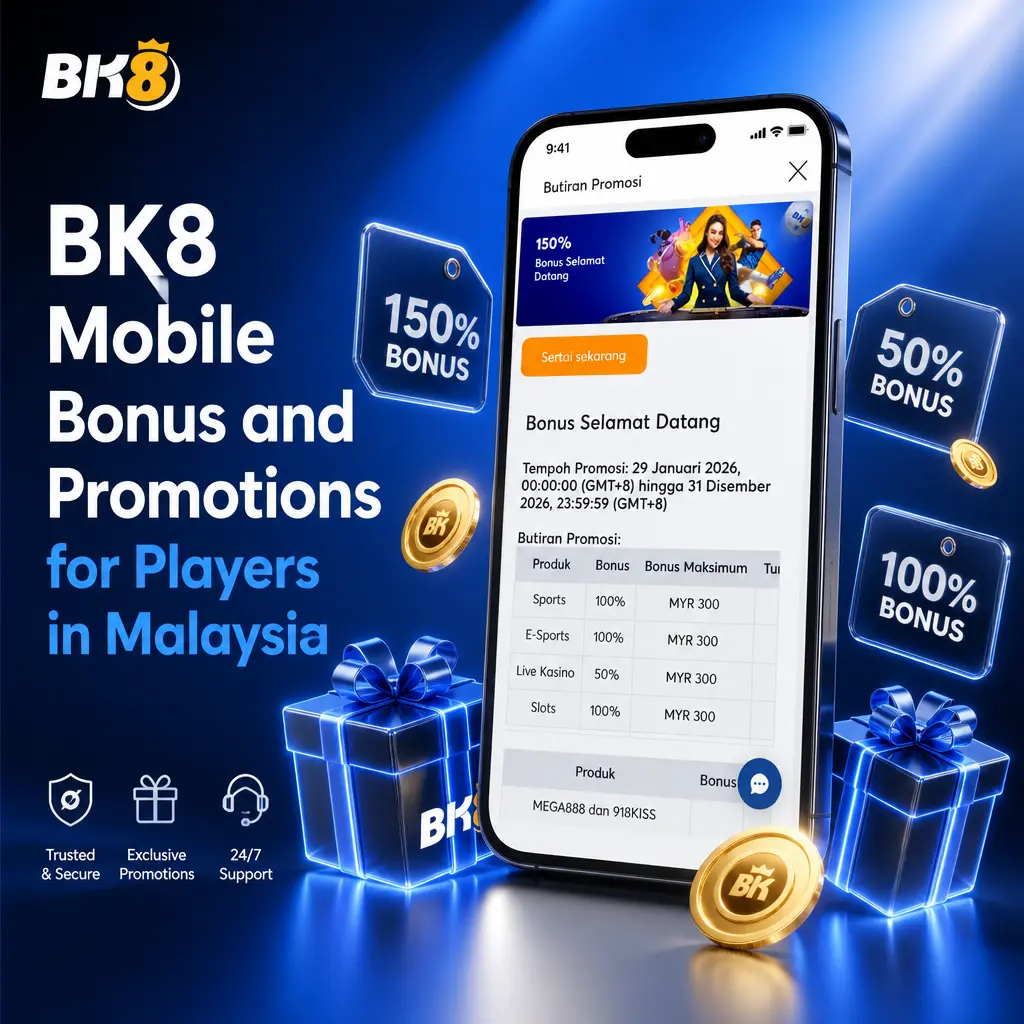
The welcome offer splits into two tracks based on our evaluation, giving casino players a larger percentage match while sports bettors receive a lower entry threshold. Both tiers carry wagering conditions that require review before claiming funds.
| Tier | Bonus Amount | Minimum Deposit | Wagering Requirement |
|---|---|---|---|
| Casino Welcome Bonus | 288% up to MYR 2,880 | MYR 30 | 30x bonus amount |
| Sportsbook Welcome Bonus | 150% up to MYR 300 | MYR 50 | 10x bonus amount |
The casino tier offers a considerably higher percentage match, though the 30x wagering requirement demands significant turnover before withdrawal becomes possible. The sportsbook tier carries a lighter 10x requirement, which suits bettors seeking quicker access to winnings.
Testing the Sportsbook Features in the BK8 App
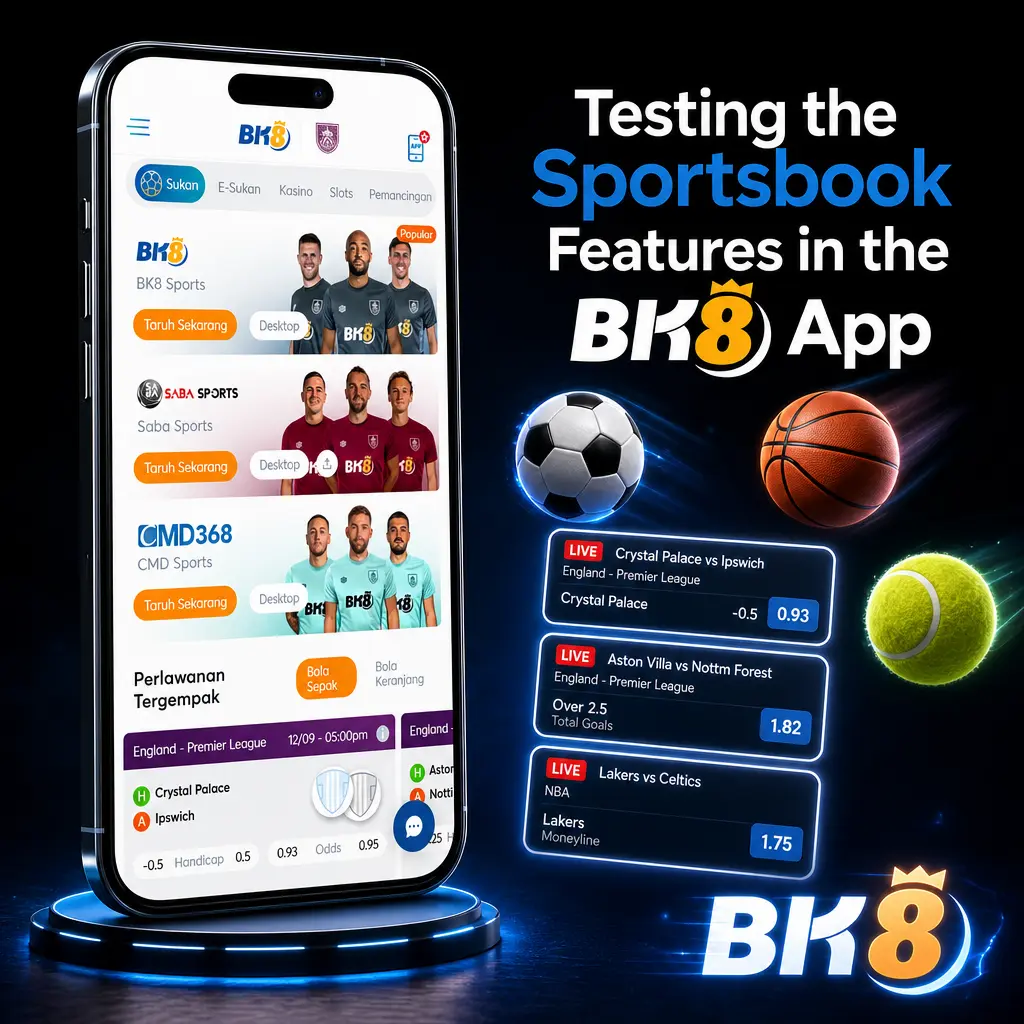
Our testing of the BK8 betting app covered both Live and Line pre match wagering, with bet slips configuring in two taps for singles or parlay combinations. Odds updated within seconds during live matches we tracked, without noticeable delay between goal events and price changes.
Sporting disciplines available include:
- Football, covering the English Premier League and Malaysia Super League;
- Basketball, including NBA fixtures;
- Tennis, covering ATP and WTA tours;
- Badminton, popular among Malaysian bettors;
- Esports, covering Dota 2 and Mobile Legends;
- Volleyball;
- Table Tennis;
- Horse Racing.
Each sport opens into a dedicated page with team statistics and a live match viewer, loading within two seconds during our tests on a standard 4G connection.
Our Impression of the BK8 Mobile Casino
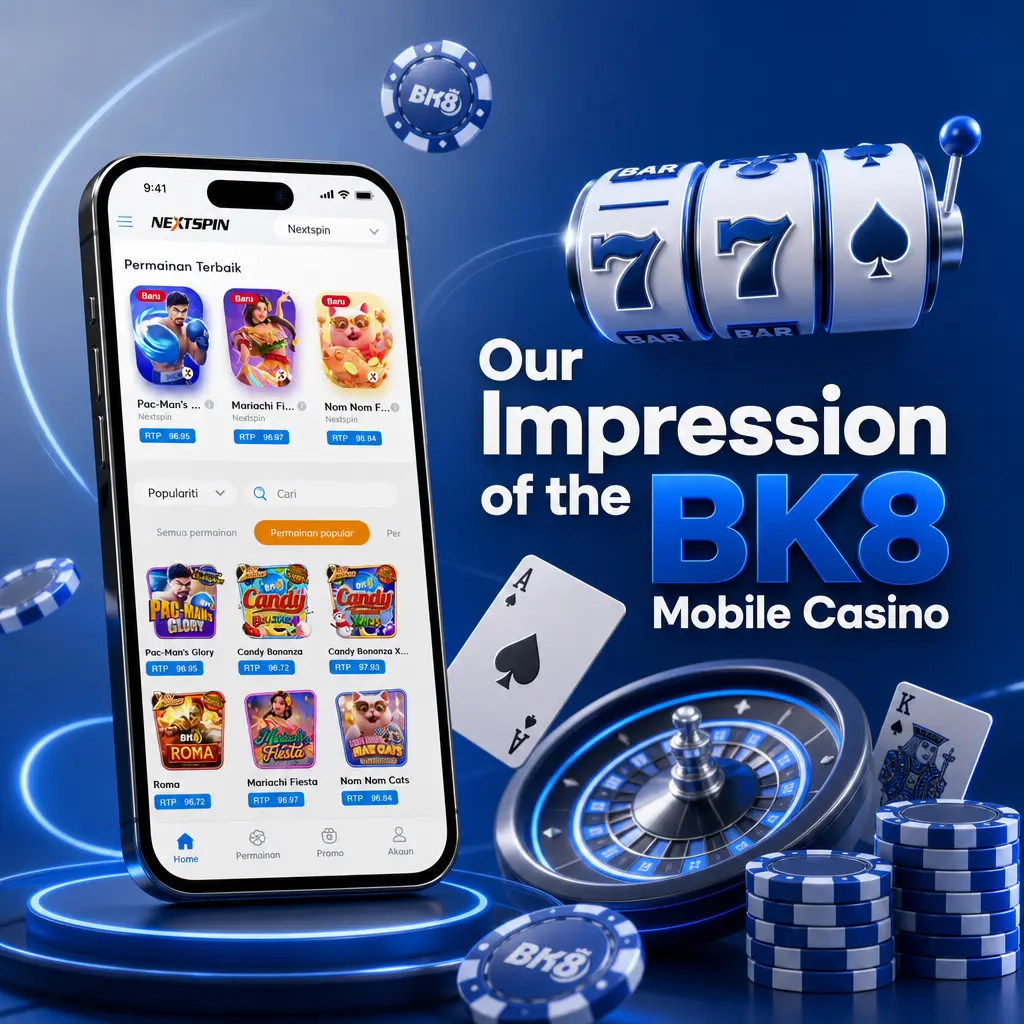
Our testing of the BK8 casino app found an organized layout, with categories separated across the bottom navigation bar for quick access. Filtering by provider or game type returned results within a second in our sessions.
- Slots, including titles from Pragmatic Play and Microgaming;
- Live Casino, featuring Evolution Gaming dealer tables;
- Table Games, covering blackjack, baccarat, and roulette;
- Fishing Games, popular among casual Malaysian players;
- Sportsbook crossover promotions linked to casino play;
- Jackpot slots with progressive prize pools.
Game loading remained stable throughout our sessions, with no crashes recorded across 40 titles tested, supporting extended play sessions away from a desktop connection.
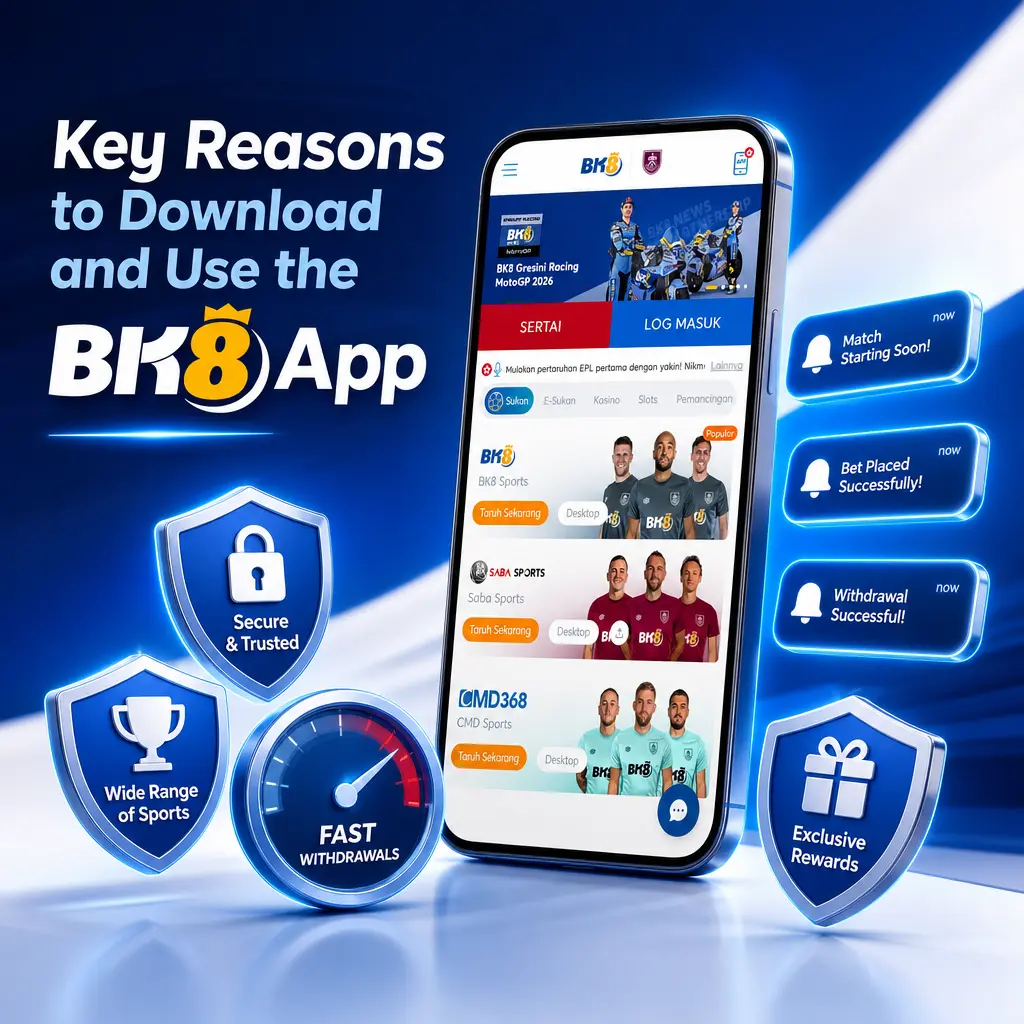
Key Reasons to Download and Use the BK8 App
Our comparison between the app and the browser version found the installed app consistently faster for placing live bets and loading casino tables.
- Faster page transitions;
- Push notification alerts;
- Offline access to account balance;
- Biometric login support;
- Direct home screen access;
- Reduced data consumption per session;
- Priority loading for live odds.
Overall speed and responsiveness improved noticeably over the mobile website across every session recorded during our testing.
Testing the BK8 App Customer Support Experience
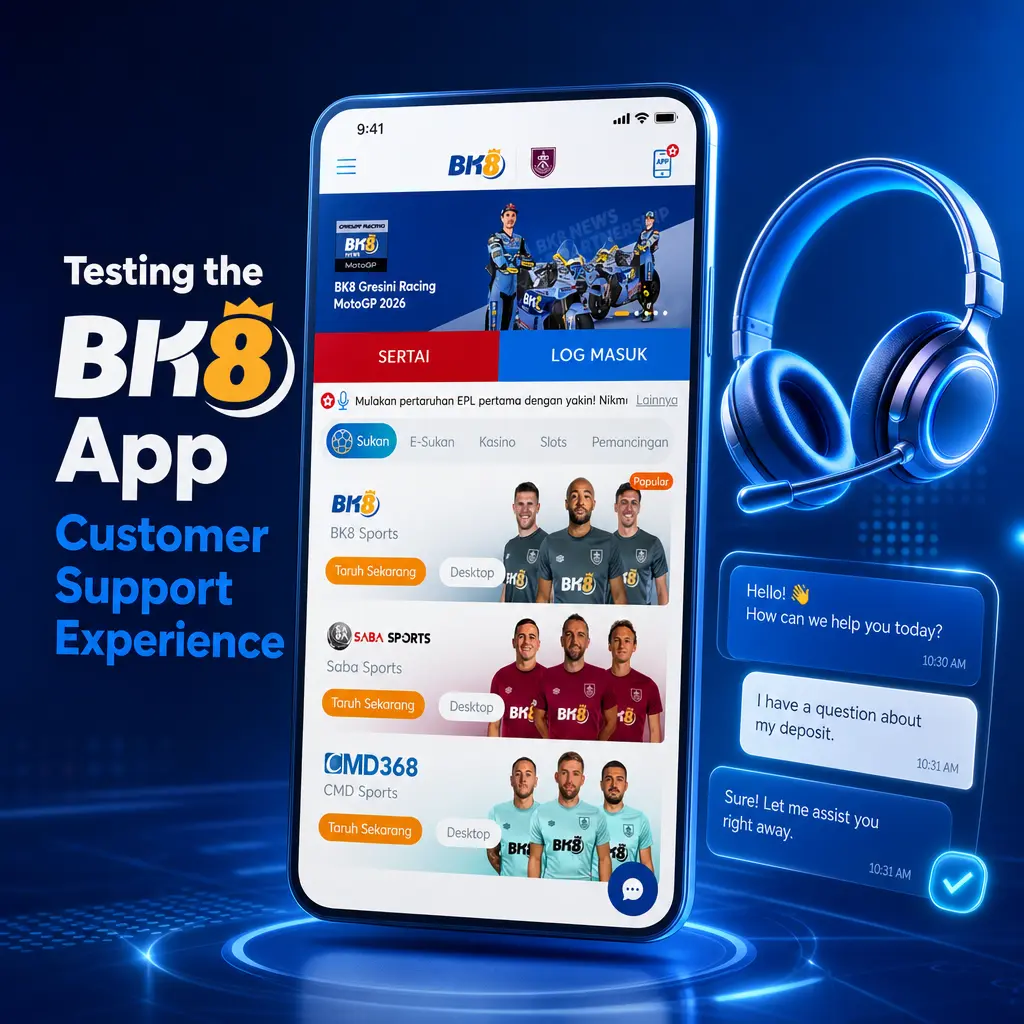
Our checks of the in app support function found live chat responses arriving within 90 seconds during both daytime and late night sessions, with agents available around all 24 hours.
- Live chat, accessible directly from the app menu;
- WhatsApp support for Malaysian users;
- Email support for account and verification queries;
- Telegram channel for promotional updates;
- FAQ section built into the app interface.
Our Final Verdict and Expert Rating on the BK8 App
Based on our testing, the BK8 software delivers dependable performance across sportsbook and casino sections, with load times remaining consistent on both flagship and mid tier devices. We rate usability at 4.3 out of 5, speed at 4.5 out of 5, and account safety at 4 out of 5, reflecting the manual verification step required before first withdrawal. Closing background apps before launching BK8 helps reduce battery drain during extended live betting sessions. Enabling biometric login through fingerprint or face recognition adds a practical layer of account security beyond the standard password. Players in Malaysia considering the app should weigh the strong payment integration and sports coverage against the added step of installing an apk outside the Google Play Store.
FAQ
Is the BK8 app legal for players in Malaysia?
Yes. BK8 operates under license ALSI-202504032-FI2, issued by the Government of the Autonomous Island of Anjouan, Union of Comoros, and Malaysian players can access the app and apk without regional restriction, though local laws regarding online gambling participation remain the responsibility of the individual player.
Does the BK8 app require a minimum device storage?
The Android apk requires approximately 50 MB of free storage, while the iOS build requires around 100 MB, based on the specifications confirmed during our testing.
Can the BK8 app be used on a tablet?
Yes. Our tests confirmed compatibility with iPad 9th generation and several Android tablets, with the interface adjusting to larger screen dimensions.
What happens if the BK8 apk fails to install?
Confirming that Unknown Sources is enabled in device settings resolves most installation errors recorded during our testing, along with verifying at least 50 MB of free storage.
Is a separate registration required for the app compared to the website?
No. A single BK8 account works across the app, apk, and mobile website, with login credentials carrying over between formats.
Updated: